

Article Summary
- Slow storage isn’t just an inconvenience—it interrupts your workflow.
- This guide compares HDDs, USB flash drives, SATA SSDs, and NVMe SSDs, explaining how they differ in speed, latency, portability, and real-world performance.
- It also shows why the USB interface is just as important as the storage device itself, since an older USB connection can become the biggest performance bottleneck.
- For users who regularly move files between laptops, desktops, phones, and tablets, a high-speed dual-interface USB drive (USB-A + USB-C) offers a practical way to reduce adapters, simplify compatibility, and keep data moving efficiently across devices.
Lost Patience of Slow Storage? Here’s the Device That Fixes It All—HDD, USB, SSD, or NVMe?
Tired of waiting minutes for files to transfer or apps to load? You’re not alone. Slow storage—whether it’s an old HDD, a clunky USB pendrive, or even a standard SSD—can drag down your workflow, wasting time and testing your patience.
But what if one device could cut through the lag, deliver blazing speed, and make storage frustrations a thing of the past? In this guide, we break down HDDs, USB drives, SSDs, and NVMe SSDs—and reveal the storage solution that actually solves it all.
How Storage Devices Are Built—and Why It Matters
From spinning platters to tiny flash chips, each storage device has its own design and quirks:
- HDDs (Hard Disk Drives): Magnetic disks and moving parts make them bulky but cost-effective.
- USB Pendrives: Flash memory packed into tiny, portable sticks—perfect for transfers but limited in speed.
- SSDs (Solid State Drives): Solid-state memory in compact enclosures, delivering faster access with no moving parts.
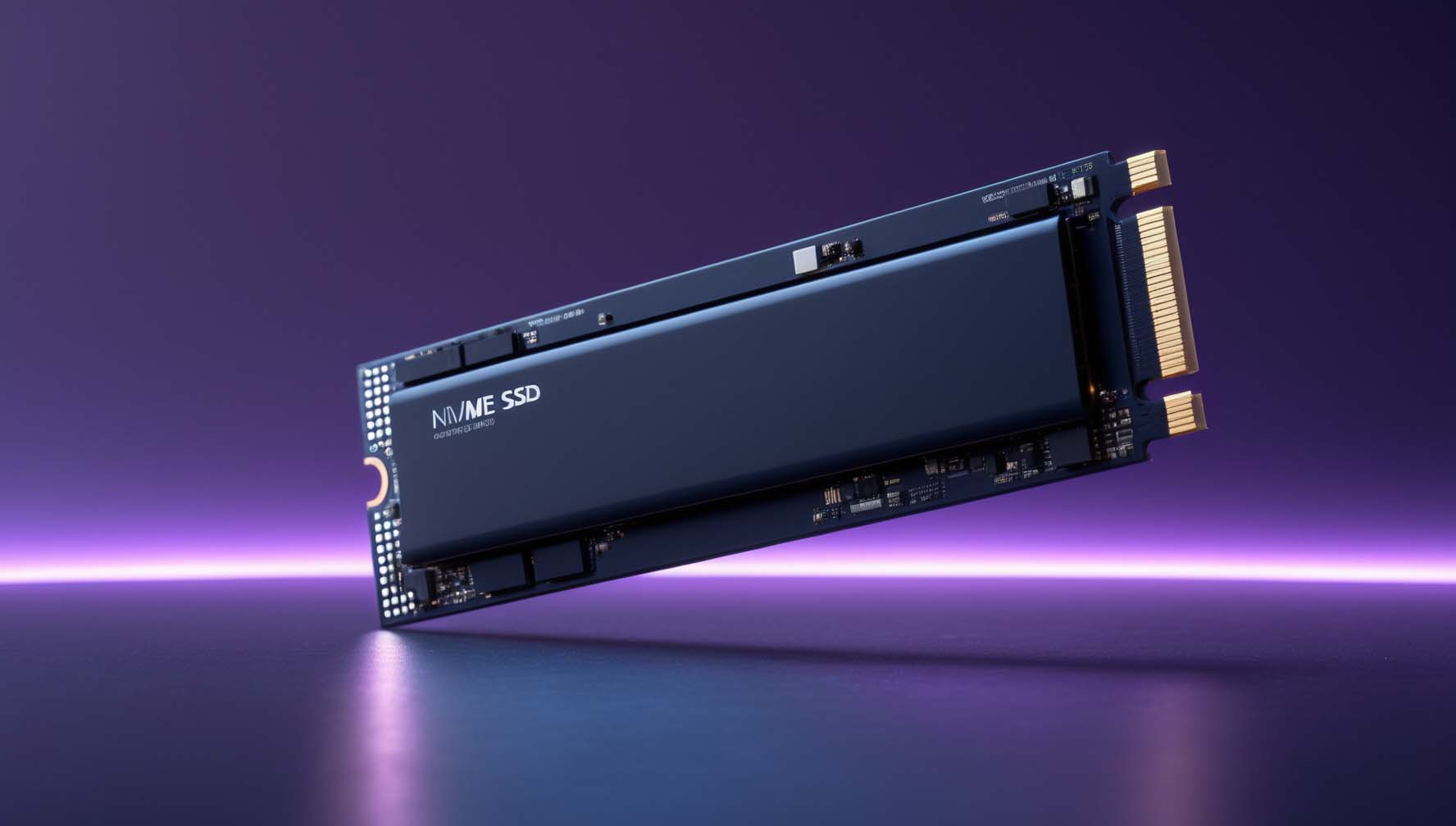
- NVMe SSDs: Lightning-fast memory on tiny M.2 chips, plugged directly into the motherboard for extreme speed.
Understanding these differences is key to seeing why one device might just outshine them all.
HDD vs USB vs SSD vs NVMe: Real Benchmarks That Expose the Speed King
| Storage Type | Sequential Read | Sequential Write | Random IOPS | Latency |
|---|---|---|---|---|
| HDD (Hard Disk Drive) | 150 MB/s | 140 MB/s | 200 IOPS | 5–10 ms |
| USB Pendrive (Universal Serial Bus Pendrive) | 100 MB/s | 80 MB/s | 1,000 IOPS | 1–3 ms |
| SSD (Solid State Drive) | 550 MB/s | 500 MB/s | 80,000 IOPS | <0.1 ms |
| NVMe SSD (Non-volatile Memory Express Solid State Drive) | 3,500 MB/s | 3,000 MB/s | 400,000 IOPS | <0.05 ms |
Figure: HDD vs USB Pendrive vs SSD vs NVMe SSD + USB Port Comparison & Performance Benchmark
A Simple Guide to Understanding Storage Drive Speed
- HDDs (Hard Disk Drive): Great for bulk storage but slow random access.
- USB Pendrives (Universal Serial Bus Pendrive): Portable but speed-limited.
- SSDs (Solid State Drive): High performance, versatile, perfect for everyday computing.
- NVMe SSDs: Extreme speed for high-performance laptops and desktops.
USB Standard Comparison
USB (Universal Serial Bus) is a widely used connection technology that allows different devices to transfer data and supply power easily.
It is designed to connect computers, phones, tablets, cameras, and storage devices quickly and reliably. Different USB versions (USB 2.0, 3.0, 3.1, Type-C, etc.) offer varying speeds for data transfer and power delivery, which largely determines how fast a device can perform.
USB is a universal interface that enables devices to connect quickly and easily, and the performance of any storage device primarily depends on which USB version is being used.
| USB Type | Max Theoretical Speed | Real-World Speed | Backward Compatible | Ideal Use Case |
|---|---|---|---|---|
| USB 3.0 / 3.1 Gen 1 | 5 Gbps (~625 MB/s) | 400–500 MB/s | Yes | External HDDs, SSDs, large file transfers |
| USB 2.0 | 480 Mbps (~60 MB/s) | 30–40 MB/s | Yes | Older devices, flash drives, keyboards, mice |
| USB 3.1 Gen 2 / USB 3.2 Gen 2 | 10 Gbps (~1.25 GB/s) | 900–1,000 MB/s | Yes | High-speed SSDs, video editing, professional workflows |
| USB 3.2 Gen 2×2 | 20 Gbps (~2.5 GB/s) | 1.8–2.2 GB/s | Yes (USB-C) | High-speed NVMe enclosures, large projects, fast backups |
| USB 4 / Thunderbolt 3/4 | 40 Gbps (~5 GB/s) | 3–3.5 GB/s | Yes (USB-C) | NVMe SSDs, high-res video, multi-device docking |
Table: Comparison of Storage Device Speed and Performance
Quick Decision Guide to USB Performance:
- USB 2.0 → Only for keyboard and mouse. Using it for storage = slow death. ❌
- USB 3.x (3.0/3.1 Gen 1) → Normal use. HDDs and SSDs work fine. ✔️
- USB 3.1 Gen 2 → Professional speed. Smooth for large files and 4K editing. ⚡
- USB 3.2 Gen 2×2 → Double-lane power. Real-world speeds up to 20Gbps. Perfect for high-speed NVMe enclosures. 🔥
- USB 4 / Thunderbolt → Extreme performance. The only way to unlock the full power of NVMe SSDs. 🚀
What You Need to Know to Unlock Full SSD/NVMe Speeds
No matter how fast your SSD or NVMe is, if the USB port is old or slow, the drive’s speed will be limited by it.
Example: Even a high-end NVMe SSD connected via USB 2.0 will perform as slowly as a standard USB 2.0 flash drive.
So, to get the true performance of your storage device, using the correct USB standard is essential—especially when switching connections between laptops, mobiles, tablets, or different adapters.
FiChampion Insights
“USB is the interface that determines how fast your storage device will perform—wrong USB means slower speeds, the right USB means maximum performance.”
4. Real-World Takeaway
| Device + USB Combo | Practical Speed | Use Case |
|---|---|---|
| HDD + USB 2.0 | 30–40 MB/s | Backups, archive |
| SSD + USB 3.0 | 400–500 MB/s | Everyday files, media |
| NVMe SSD + USB 3.1 Gen 2 | 900–1,000 MB/s | Editing, pro work |
| NVMe SSD + USB 4 | 3–3.5 GB/s | Extreme performance, multi-device |
Bottom Line: To truly unleash your storage, match your drive with the right USB interface. This is why a dual-type pendrive (USB-A + USB-C) that supports high-speed standards is so valuable — it eliminates bottlenecks and friction, letting your files move as fast as your workflow demands.
2. Real-World Usability Comparison
| Storage Type | Portability | Device Compatibility | Durability | Cost per GB |
|---|---|---|---|---|
| HDD | Medium | USB-A only | Moderate | Low |
| USB Pendrive | High | USB-A (some USB-C) | High | Medium |
| SSD | Medium | USB-A / USB-C via enclosure | High | High |
| NVMe SSD | Low | Laptop internal only | High | Very High |
Key Insight: Most users switch between devices with different ports (USB-A vs USB-C). Traditional SSDs or NVMe are often constrained.
3. The Problem You Didn’t Realize You Had
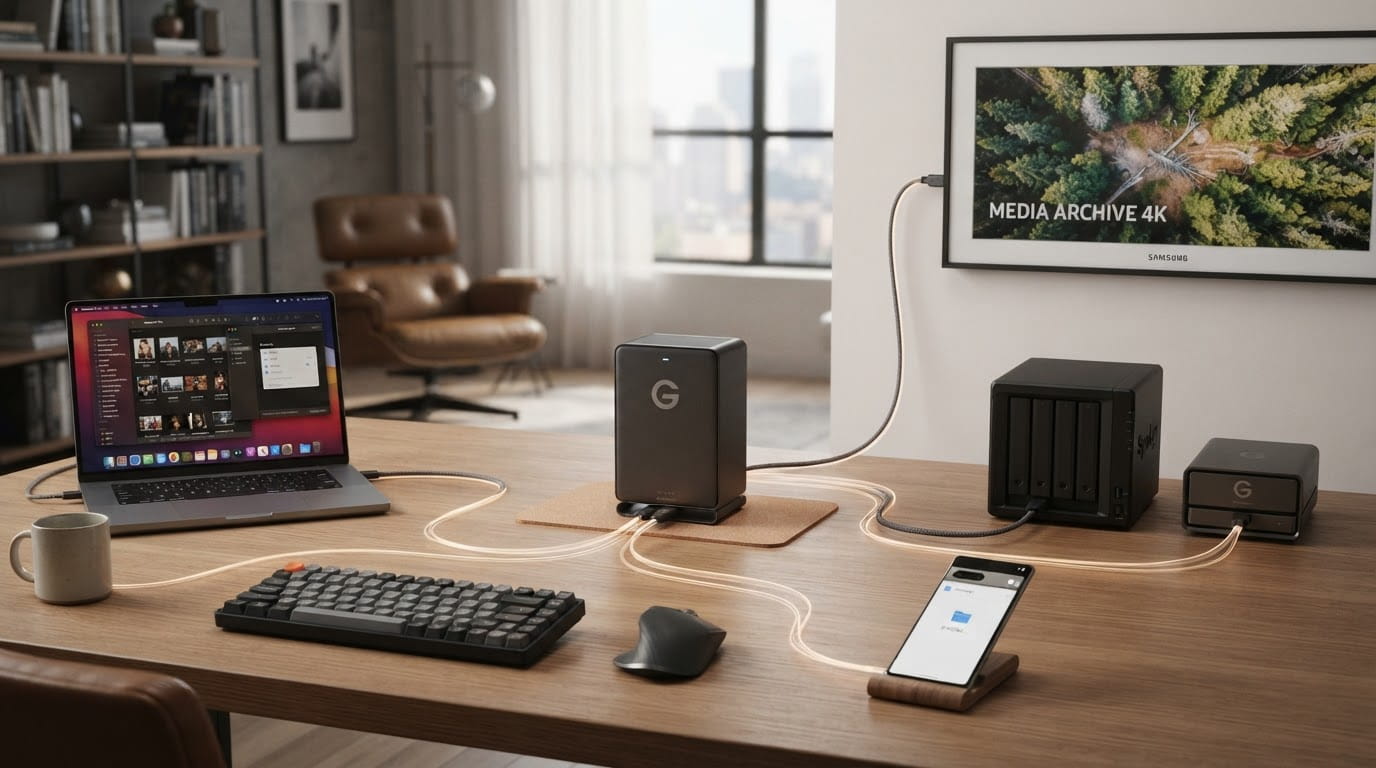
Most people think OTG or multiple drives solve device compatibility — but in reality, they create more clutter than convenience. Adapters pile up, desks get crowded, and cables tangle at the worst possible moment. Running between USB-A laptops and USB-C phones or tablets becomes a daily headache. Multiple drives and dongles increase the risk of lost adapters, broken connectors, accidental data loss, and wasted time. Buying extra storage solutions only adds cost, confusion, and frustration.
“True innovation isn’t faster — it’s frictionless. The real breakthrough happens when a problem disappears before you even notice it. At FiChampion, our dual-type pendrive delivers that hypersonic simplicity: one device works everywhere, no adapters, no clutter, no compromise.”
— Hypersonic Architect Md. Tanvir Bin Azam
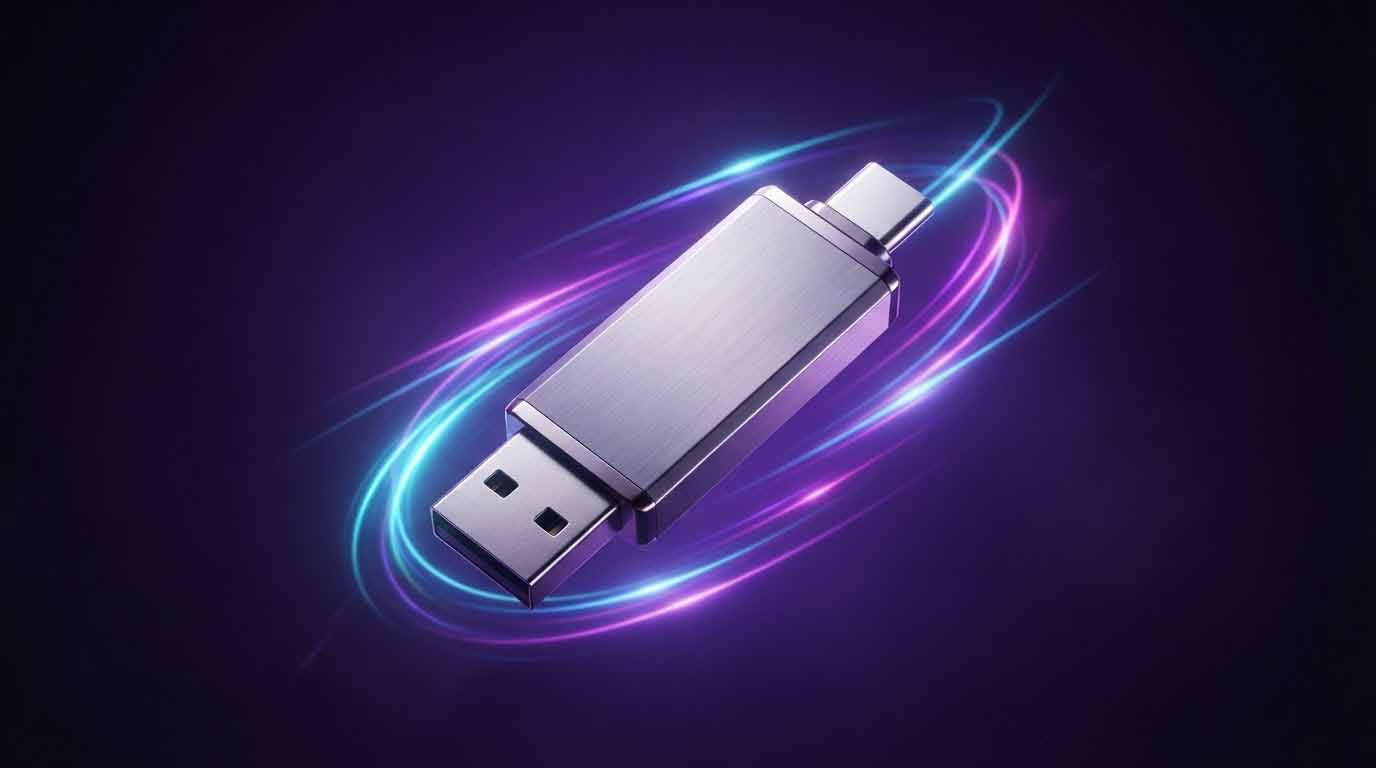
4. The Dual-Type Pendrive Advantage (USB-C + USB-A)
Why It Works:
- Universal compatibility: Works on laptops, desktops, phones, and tablets
- High-speed performance: SSD/NVMe options ensure fast file transfers
- Compact & durable design: Aluminum casing, shock-resistant, pocket-ready
- All-in-one convenience: No adapters, no switching, no frustration
One Drive. Every Device. Zero Friction.
We don’t manufacture this pendrive — we curate, benchmark, and approve the best the market offers. Why? Because FiChampion stands for Fearless Integrity and Unbreakable Trust. Any product we recommend has passed the same real-world tests we demand for our own use.
This dual-type pendrive isn’t just convenient — it represents our true pure promise: pure performance, zero friction, and trust without compromise.
Every time you juggle adapters and multiple drives, you gamble with your time, focus, and momentum. Real speed isn’t measured in megabytes — it’s measured in moments saved and friction eliminated.
FiChampion’s dual-type pendrive is your cross-device freedom tool. Works on laptops, phones, tablets, and desktops — no adapters, no switching, no interruptions.
Stop adapting. Start flowing.
Choose the solution that works everywhere, without hesitation or compromise.
FiChampion-Approved. Zero friction. Pure performance.
Upgrade your workflow — your momentum deserves nothing less.
Frequently Asked Questions
An HDD stores data on spinning magnetic disks, making it affordable but slower. USB flash drives use flash memory for portability but are limited by their controller and USB interface. SSDs use flash memory with SATA or USB interfaces for much faster performance, while NVMe SSDs connect directly through PCIe for significantly higher speeds and lower latency.
Your SSD’s performance is often limited by the USB interface, enclosure, or cable. Connecting a fast NVMe SSD to a USB 2.0 port will dramatically reduce its speed.